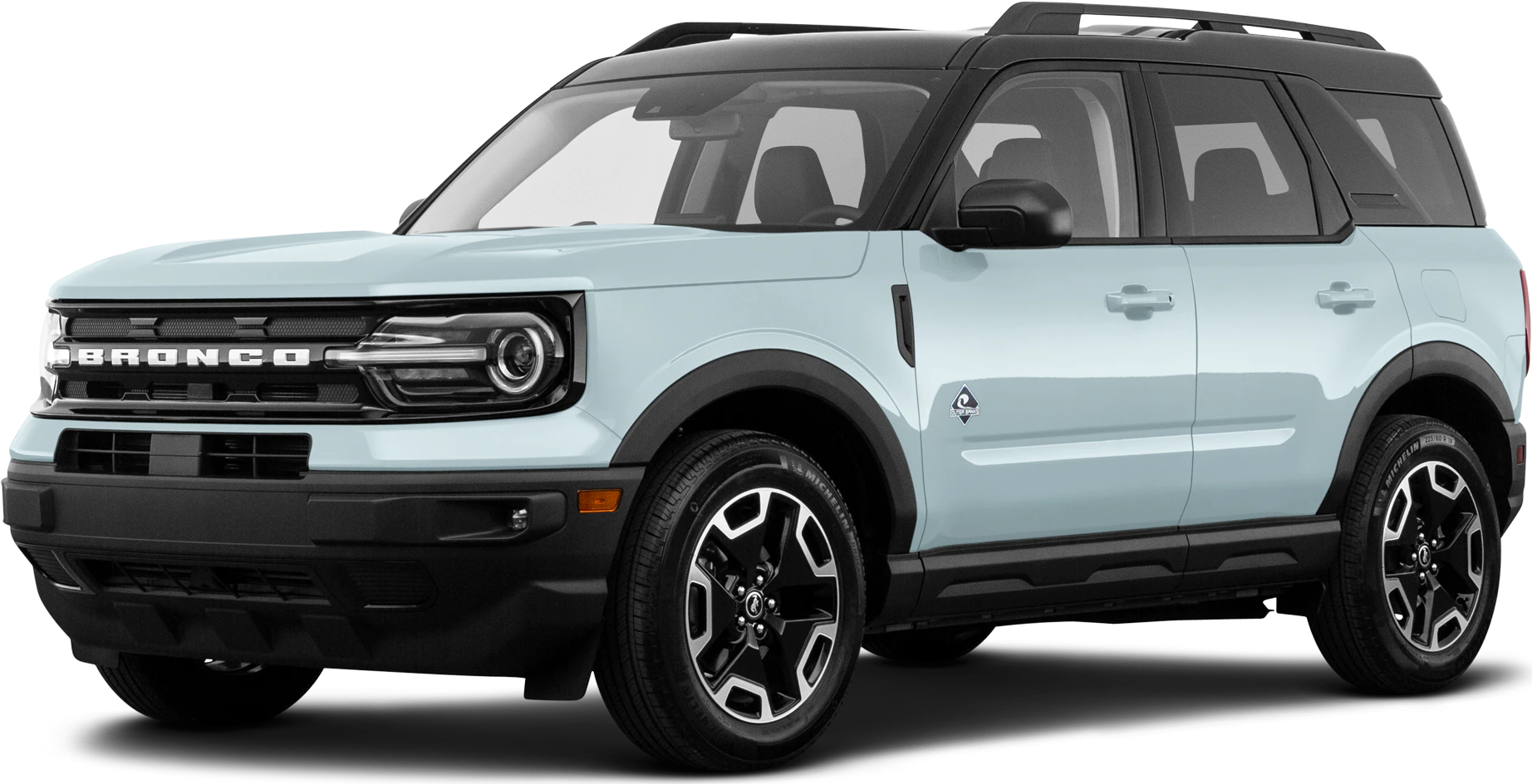
NHTSA ID Number: 10212924
Manufacturer Communication Number: TSB 22-2096
Summary
Some 2021-2022 Bronco vehicles built on or before 17-May-2022 equipped with 5 doors and a hard top roof configuration, may exhibit poor Sirius XM�® satellite radio reception and/or satellite radio signal loss in areas with tall structures, rural areas with dense foliage or other similar obstructions. This may be due to the antenna positioning. To correct the condition, follow the Service Procedure to relocate the antenna.
Model:
| Ford
2021-2022 Bronco |
Issue: Some 2021-2022 Bronco vehicles built on or before 17-May-2022 equipped with 5 doors and a hard top roof configuration may exhibit poor Sirius XM® satellite radio reception and/or satellite radio signal loss in areas with tall structures, rural areas with dense foliage or other similar obstructions. This may be due to the antenna positioning. To correct the condition, follow the Service Procedure to relocate the antenna.
Action: Follow the Service Procedure to correct the condition on vehicles that meet all of the following criteria:
- 2021-2022 Bronco
- Built on or before 17-May-2022
- 5 door
- Equipped with a hard top
- Poor Sirius XM® satellite radio reception and/or satellite radio signal loss
Parts
| Service Part Number | Quantity | Description | Unit of Issue | Piece Quantity |
| W716053-S424 | 1 | Clip | 4 | 2 |
Quantity refers to the amount of the service part number required to repair the vehicle.
Unit of Issue refers to the number of individual pieces included in a service part number package.
Piece Quantity refers to the total number of individual pieces required to repair the vehicle.
Service Procedure
1. Remove the hard top roof. Refer to Workshop Manual (WSM), Section 501-18B.
2. Locate the satellite radio/global positioning system (GPS) antenna on the rear overhead cross tube of the sport tube. It is mounted on the top of the sport tube between it and the hard top. (Figure 1)
Figure 1
3. Inspect the position of the satellite radio/GPS antenna. Does the base of the antenna match the depression/outline in the sheet metal? (Figure 2)
Figure 2
(1). Yes – proceed to Step 4.
(2). No – this article does not apply. Refer to WSM, Section 415-00.
4. Remove the rear header trim panel. (Figure 3) Refer to WSM, Section 415-00, Satellite Radio/GPS Antenna > Removal and Installation > Step 1-15.
Figure 3
5. With the antenna removed from the vehicle, cut the plastic locator/orientation tab off the plastic antenna base. (Figures 4-5)
Figure 4
Figure 5
6. Rotate the antenna 180 degrees from the original position. Place the antenna back on the vehicle with the flatter side facing toward the front of the vehicle. The base of the antenna should not match the depression/outline in the sheet metal.
7. Reinstall the antenna metal clip and 10 mm hex bolt. Tighten to 8.0 Nm (6.0 lb-ft).
8. To install, reverse the removal procedure.
2 Affected Products
Vehicle
| MAKE | MODEL | YEAR |
| FORD | BRONCO | 2021-2022 |
1 Associated Document
Manufacturer Communications
22-2096
27 May 2022
- This card is redeemable toward a new or existing subscription to any SiriusXM service, and not for the purchase of hardware which is sold separately.
- Redemption: Online
- No returns and no refunds on gift cards.

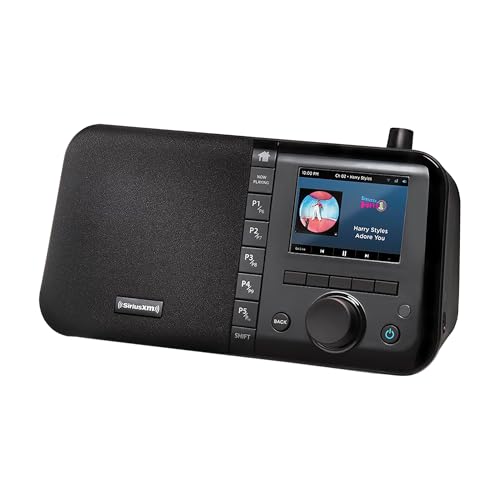
- Streams ad-free music from every genre and decade, plus sports, comedy, talk, and news
- Easily sets up in home or office and uses Wi-Fi connectivity
- Large, colorful display for album art and channel information
- Powerful, full-range sound with adjustable equalizer
- Ability to create Pandora Stations for an artist from a song
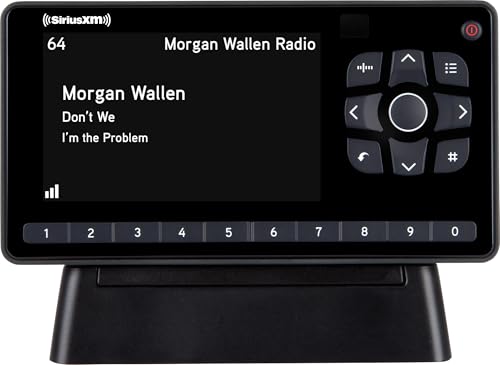
- SUBSCRIPTION REQUIRED - Activate your radio/tuner with the All Access Plan and enjoy 165+ channels of ad-free music, plus sports, news, talk & comedy.
- ADVANCED FEATURES - Store up to 10 of your favorite SiriusXM channels or use TuneMix to create a blend of selected channels; plus, quickly return to the previous channel with One-Touch Jump or conveniently operate your radio from across the room with the included remote control.
- EASY-TO-READ DISPLAY - View what’s playing on the 3.2” high-resolution display, while using split screen mode to see what's currently playing on your other favorite channels. Two display options available -- white text on black background or black text on white background.
- WHAT’S IN THE BOX - Complete home kit for DIY home stereo connection and installation, including SiriusXM Onyx EZR radio, home dock, remote control, indoor/outdoor home antenna, home power adapter, and stereo audio cable.
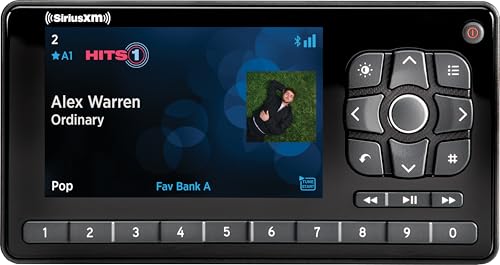
- SUBSCRIPTION REQUIRED - Activate your radio/tuner with the All Access Plan and enjoy 165+ channels of ad-free music, plus sports, news, talk & comedy.
- BLUETOOTH CONNECTIVITY - Connect to your car's audio system via Bluetooth audio streaming, Aux or FM audio output for instant access to SiriusXM.
- MAGNETIC MOUNTING OPTIONS - Choose versatile magnetic vent or dash mount options (included) or a compatible alternative mounting solution (sold separately).
- CONTROL YOUR CONTENT - Pause, rewind, and replay up to 60 minutes of live satellite radio programming; plus, enjoy advanced music features, such as TuneStart, which allows you to restart songs from the beginning on your favorite channels.
- WHAT’S IN THE BOX - SiriusXM Roady BT display and cable, intelligent power adapter, 3.5mm aux audio cable, magnetic adapter, wedge, vent and dash mounts, magnetic mount antenna
- This card is redeemable toward a new or existing subscription to any SiriusXM service, and not for the purchase of hardware which is sold separately.
- Redemption: Online
- No returns and no refunds on gift cards.
SEOCONTENT-START
TECHNICAL SERVICE BULLETIN 5 Door – Hard Top – Poor Sirius XM® Satellite Radio Reception And/Or Signal Loss – Built On Or Before 17-May-2022 22-2096 27 May 2022 Model: Ford 2021-2022 Bronco Issue: Some 2021-2022 Bronco vehicles built on or before 17-May-2022 equipped with 5 doors and a hard top roof configuration may exhibit poor Sirius XM® satellite radio reception and/or satellite radio signal loss in areas with tall structures, rural areas with dense foliage or other similar obstructions. This may be due to the antenna positioning. To correct the condition, follow the Service Procedure to relocate the antenna. Action: Follow the Service Procedure to correct the condition on vehicles that meet all of the following criteria: • 2021-2022 Bronco • Built on or before 17-May-2022 • 5 door • Equipped with a hard top • Poor Sirius XM® satellite radio reception and/or satellite radio signal loss Parts Service Part Number Quantity Description Unit of Issue Piece Quantity W716053-S424 1 Clip 4 2 Quantity refers to the amount of the service part number required to repair the vehicle. Unit of Issue refers to the number of individual pieces included in a service part number package. Piece Quantity refers to the total number of individual pieces required to repair the vehicle. Warranty Status: Eligible under provisions of New Vehicle Limited Warranty (NVLW)/Service Part Warranty (SPW)/Special Service Part (SSP)/Extended Service Plan (ESP) coverage. Limits/policies/prior approvals are not altered by a TSB. NVLW/SPW/SSP/ESP coverage limits are determined by the identified causal part and verified using the OASIS part coverage tool. Labor Times Description 2021-2022 Bronco 5 Door: Update The Existing Satellite Antenna Following The Service Procedure (Do Not Use With Any Labor Operations Outside Of This Article Extra Time To Remove And Install The Roof Rack (if equipped) (Can Be Claimed With Operation A) Operation No. 222096A 222096B Time 1.1 Hrs. 0.3 Hrs. Repair/Claim Coding Causal Part: 10E893 Condition Code: 42 Service Procedure 1. Remove the hard top roof. Refer to Workshop Manual (WSM), Section 501-18B. 2. Locate the satellite radio/global positioning system (GPS) antenna on the rear overhead cross tube of the sport tube. It is mounted on the top of the sport tube between it and the hard top. (Figure 1) Figure 1 3. Inspect the position of the satellite radio/GPS antenna. Does the base of the antenna match the depression/outline in the sheet metal? (Figure 2) Figure 2 (1). Yes – proceed to Step 4. (2). No – this article does not apply. Refer to WSM, Section 415-00. 4. Remove the rear header trim panel. (Figure 3) Refer to WSM, Section 415-00, Satellite Radio/GPS Antenna > Removal and Installation > Step 1-15. Figure 3 5. With the antenna removed from the vehicle, cut the plastic locator/orientation tab off the plastic antenna base. (Figures 4-5) Figure 4 Figure 5 6. Rotate the antenna 180 degrees from the original position. Place the antenna back on the vehicle with the flatter side facing toward the front of the vehicle. The base of the antenna should not match the depression/outline in the sheet metal. 7. Reinstall the antenna metal clip and 10 mm hex bolt. Tighten to 8.0 Nm (6.0 lb-ft). 8. To install, reverse the removal procedure. © 2022 Ford Motor Company All rights reserved. NOTE: The information in Technical Service Bulletins is intended for use by trained, professional technicians with the knowledge, tools, and equipment to do the job properly and safely. It informs these technicians of conditions that may occur on some vehicles, or provides information that could assist in proper vehicle service. The procedures should not be performed by “do-it-yourselfers”. Do not assume that a condition described affects your car or truck. Contact a Ford or Lincoln dealership to determine whether the Bulletin applies to your vehicle. Warranty Policy and Extended Service Plan documentation determine Warranty and/or Extended Service Plan coverage unless stated otherwise in the TSB article. The information in this Technical Service Bulletin (TSB) was current at the time of printing. Ford Motor Company reserves the right de this information with updates. The most recent information is available through Ford Motor Company’s on-line technical resources.
SEOCONTENT-END
This product presentation was made with AAWP plugin.